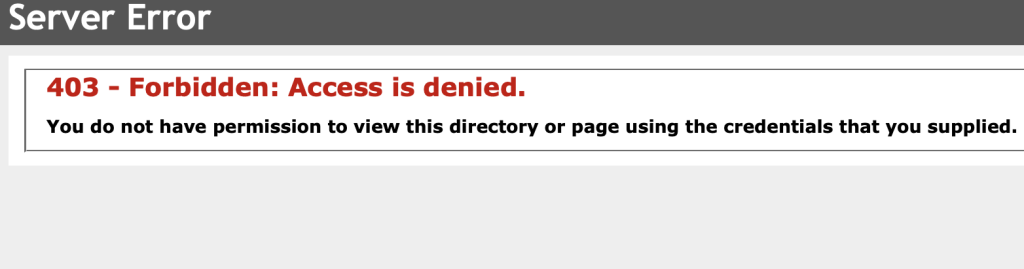
Server Error: 403 – Forbidden: Access is denied January 13, 2024January 13, 2024 App CorridorApp Corridor 0 Comments Access to the link hasn’t been established. It may be the custom link and check for the sub menu. Check the address link in the address bar Check the permission. Post navigation Previous Previous post: Error establishing a database connection WordPressNext Next post: Error: RenderFrameAt returned: 4 for absolute frame: 353 Related Post Remove the Pop Up – Microsoft SharepointRemove the Pop Up – Microsoft Sharepoint March 7, 2025March 7, 2025 App CorridorApp Corridor 0 Comments Any one knows how to remove this pop-up… Read FullRead Full User Registration – Only administrators can add new usersUser Registration – Only administrators can add new users July 18, 2023July 18, 2023 App CorridorApp Corridor 0 Comments To allow the user to register on your site, please turn on the options “Anyone can register” in your WordPress setting. WordPress comes with built-in functionality to manage user registrations. Read FullRead Full
Remove the Pop Up – Microsoft SharepointRemove the Pop Up – Microsoft Sharepoint March 7, 2025March 7, 2025 App CorridorApp Corridor 0 Comments Any one knows how to remove this pop-up… Read FullRead Full
User Registration – Only administrators can add new usersUser Registration – Only administrators can add new users July 18, 2023July 18, 2023 App CorridorApp Corridor 0 Comments To allow the user to register on your site, please turn on the options “Anyone can register” in your WordPress setting. WordPress comes with built-in functionality to manage user registrations. Read FullRead Full