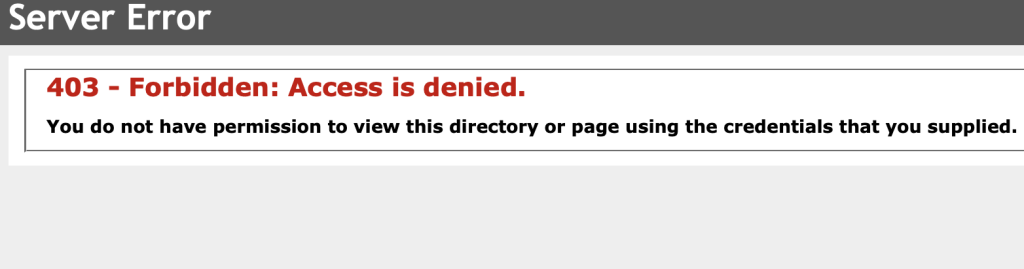
Server Error: 403 – Forbidden: Access is denied January 13, 2024January 13, 2024 App CorridorApp Corridor 0 Comments Access to the link hasn’t been established. It may be the custom link and check for the sub menu. Check the address link in the address bar Check the permission. Post navigation Previous Previous post: Error establishing a database connection WordPressNext Next post: Error: RenderFrameAt returned: 4 for absolute frame: 353 Related Post How to add degree (°) signHow to add degree (°) sign May 16, 2025May 16, 2025 App CorridorApp Corridor 0 Comments Degree symbol as in 360 Degree Read FullRead Full Error: JSAON ErrorError: JSAON Error February 21, 2024February 21, 2024 App CorridorApp Corridor 0 Comments The annoying error message occurs when you do the updates to your WordPress widgets and or pages/posts. Read FullRead Full
How to add degree (°) signHow to add degree (°) sign May 16, 2025May 16, 2025 App CorridorApp Corridor 0 Comments Degree symbol as in 360 Degree Read FullRead Full
Error: JSAON ErrorError: JSAON Error February 21, 2024February 21, 2024 App CorridorApp Corridor 0 Comments The annoying error message occurs when you do the updates to your WordPress widgets and or pages/posts. Read FullRead Full